See the possibilities.
Compare visual directions using your project as the starting point.
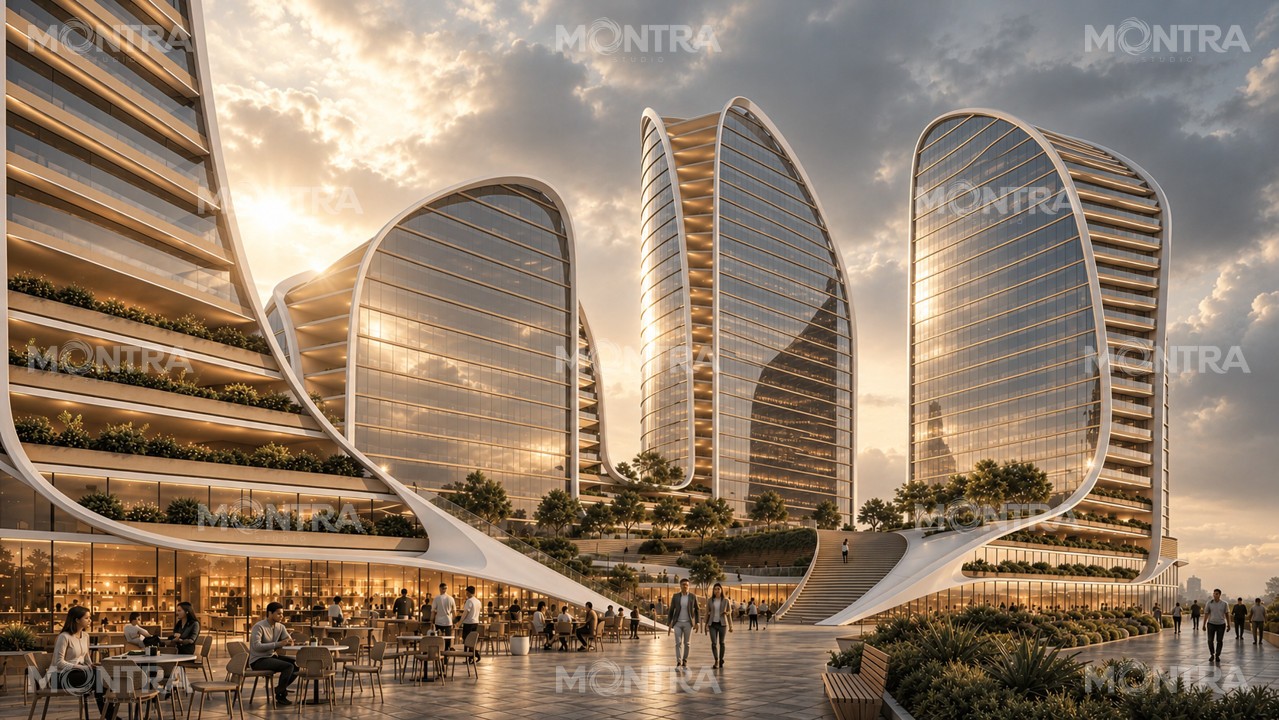
WHAT MONTRA DOES
Montra Studio helps developers and architects find the visual character of a project. We explore different light, colour and moods around your architecture, then develop an image in the direction you choose.
Compare visual directions using your project as the starting point.
Show us what you like. A few choices and comments help us understand your taste.
Use your chosen direction as the starting point for a more focused image.
SELECTED VISUAL STUDIES
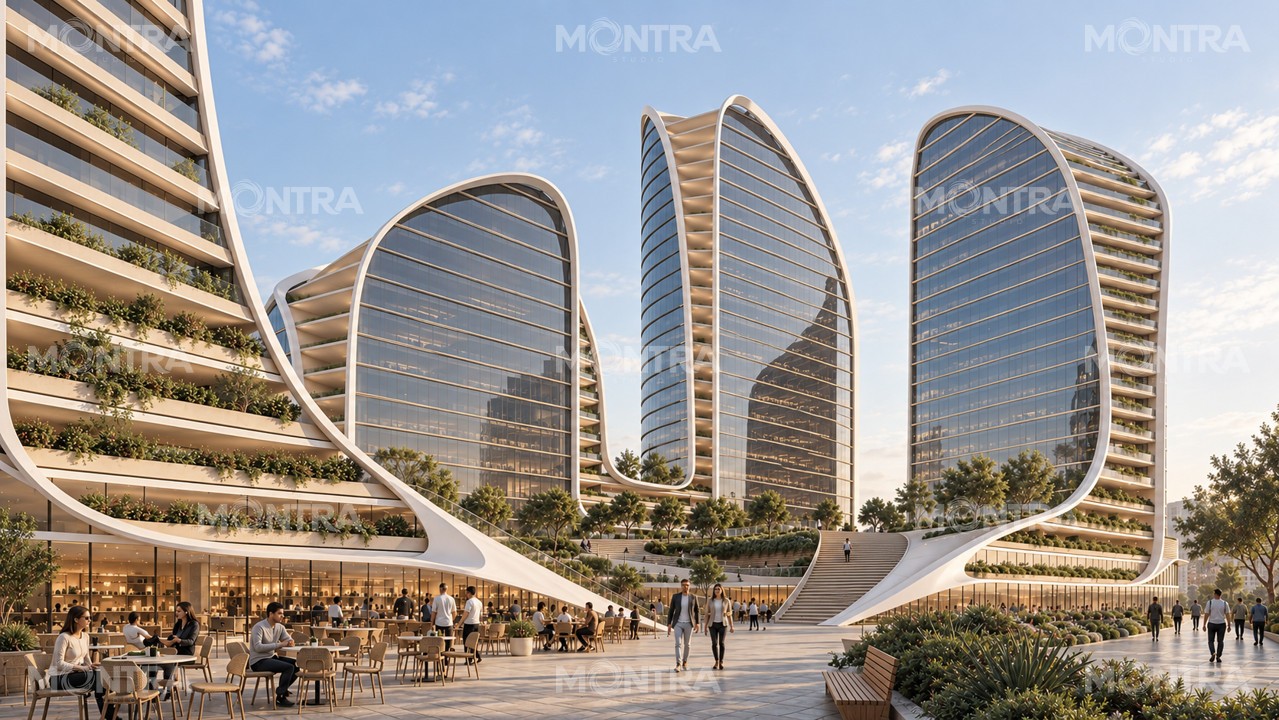
Explore a selection from our Five Dock light studies. Open an image to look closer.
YOUR PROJECT
Open your project. Explore the images, choose a look and tell us what you love.
PREPARED FOR
Five Dock · Sydney
Open review →Customized for One Global Capital
FIVE DOCK · SYDNEY
Open an image. Like it, leave a note or record a comment.
Choose Use this style when one feels right.
ONE PREFERRED STYLE PER VIEW
Open an image and choose Use this style.
Start with the selected images. Choose the directions you prefer.
No liked images yet.
Explore the full collection.
YOUR NEXT MONTRA STUDIO IMAGE
Tell us what you like or would change. Switch between Before and After to check the difference.
Your comments apply to the selected After image, whichever view is showing.
Your Montra Studio image is ready in this presentation.
Save image request keeps the brief on this device and downloads a request file for Montra. Save review for Montra keeps all your choices, comments, voice notes and saved requests in one file. Nothing is sent online from this local demo.
MADE FOR YOUR CHOSEN LOOK
Local demo · completed image prepared by Montra. This page does not send requests or generate images.
No completed image for this view in this review mode yet. Your saved requests stay available in your feedback file.